See what sold, and check people in from the event
See what sold and who is coming on the event, and check people in from your phone.
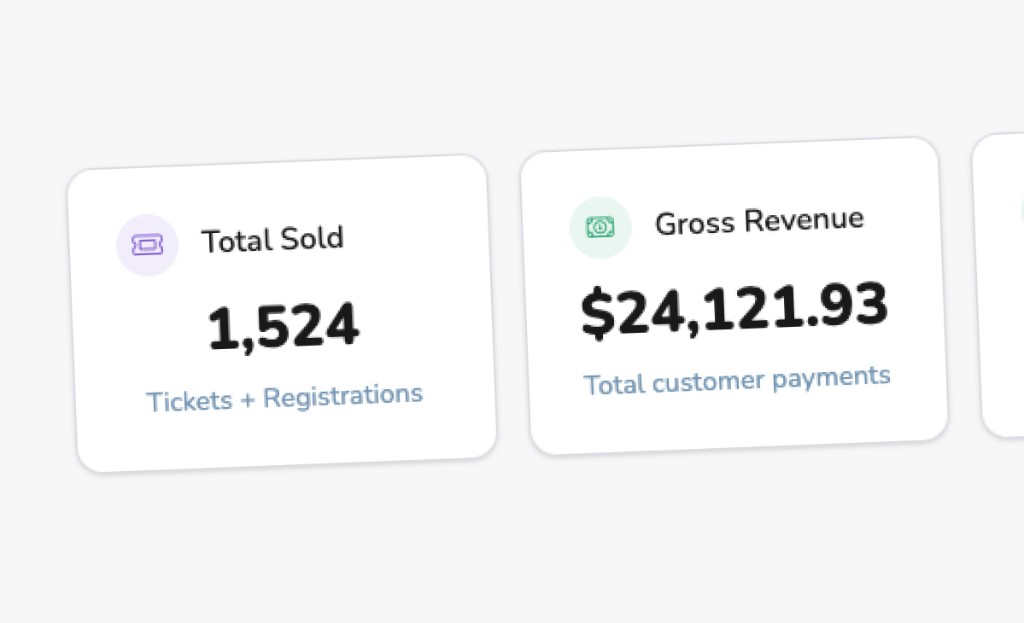
The night of the event, you should not have to leave it to find out how it is going. Open the event. The numbers are there. The Attendance tab shows Total Sold, Redeemed, Gross Revenue, and Net Revenue, plus the guest list. What you sold, what has been used, and what you took in.
That is the view you want before doors, and again when someone asks how the night did. You are not exporting a spreadsheet to answer a simple question. The event itself is the report.
On a phone, you can search the guest list and check people in from the event. The person at the door does not need a separate tool. They search the name and check them in, standing where the guests are.
Ticketing is split so the setup is easier to find when you are building the offer. Tickets, Registrations, Access Codes, and Advanced Settings. Access codes have a guided setup, and you can upload a file of codes. You do not have to type a long list of codes in one by one.
Learn more
More that's new
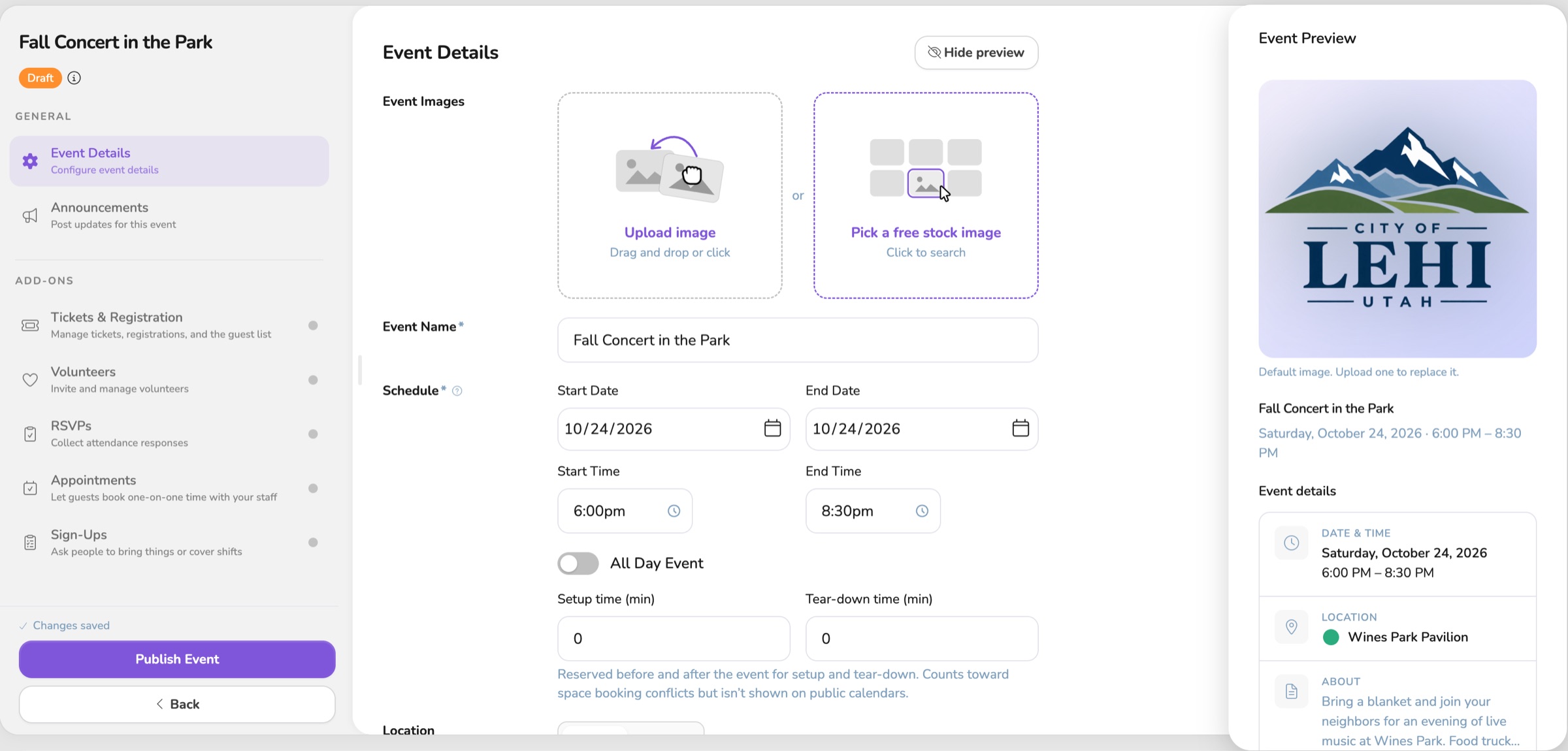
See the event before anyone else does
See the guest view while you draft, keep a live event up while you edit it, and publish a whole series at once.

One Vega logo, on the site and in the app
The app now uses the same Vega logo as the website, from the menu to the sign-in page.
Your event saves as you go
You can start an event and walk away. It saves on its own and waits in My Drafts until you publish.