See the event before anyone else does
See the guest view while you draft, keep a live event up while you edit it, and publish a whole series at once.
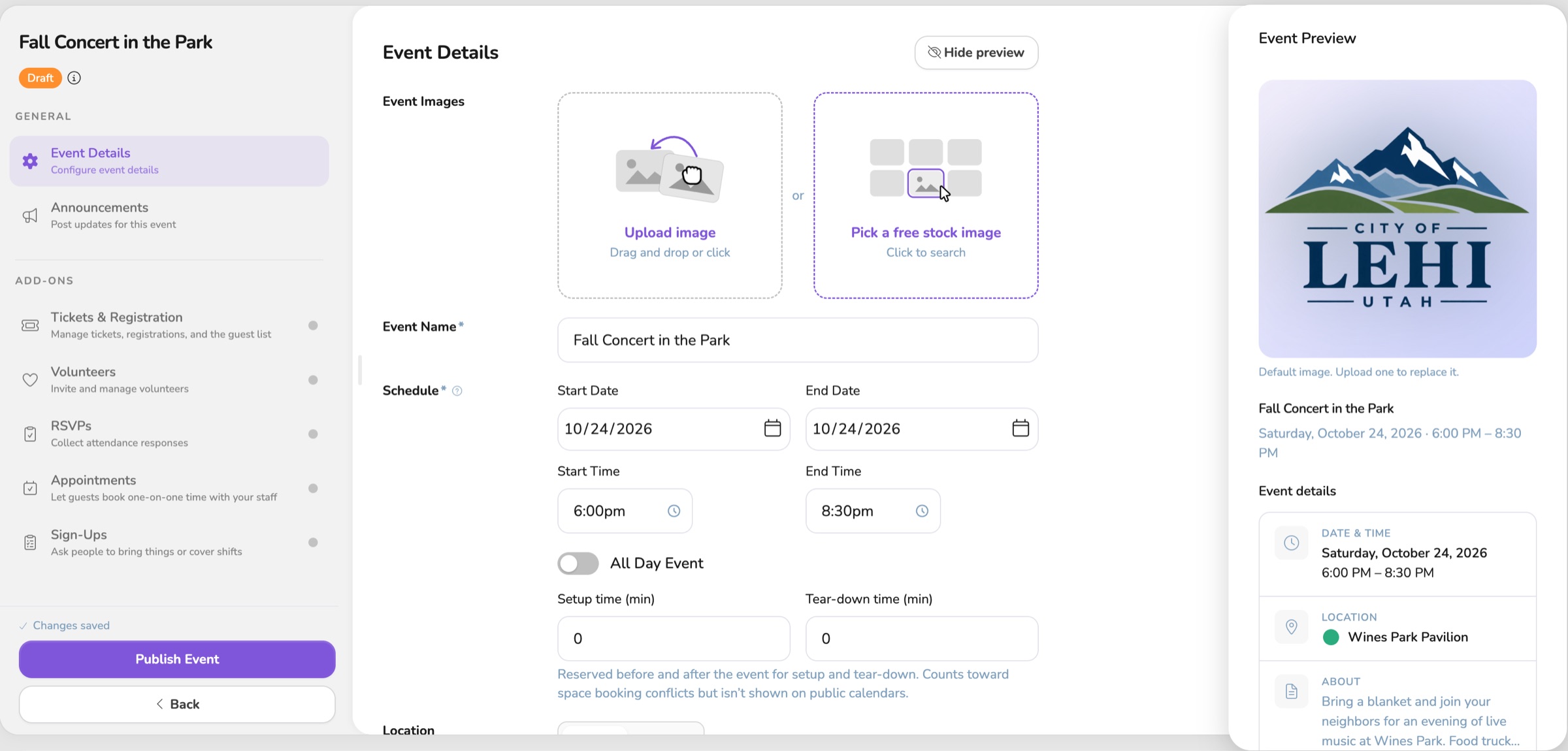
This is the part of the job that has to hold together. An event starts as an idea, becomes something you can announce, stays up while you fix the details, and still makes sense the night people walk in. These changes are about that stretch of work.
You can see the event the way your guests will, before it ever hits the calendar. Your work saves as you go. Unfinished events wait under Events, then My Drafts, until you decide they are ready to announce. You are not rushing a half-built night onto the public schedule just so you do not lose it.
When the event is live, a typo, a new ticket, or an RSVP change does not take it down. Those edits stay up, and they go out when you click Publish Changes. A new time or a new room still goes back to approvers, and Vega warns you first. If you sent something out too early, Move to Draft pulls it back.
A whole season can go out together. Line up every date in private, then Publish Series puts them on the calendar in one step. If a room was booked while you were finishing, nothing goes out, and Vega tells you which room.
The night of, you do not leave the event to find out how it did. Attendance shows what sold, what was redeemed, and what you took in. On a phone, you can search the guest list and check people in from the event.
The app also carries the same Vega logo as the website, from the menu to the invitation to the sign-in page. The place you send people looks like the place they already know.
Each change, on its own:
More that's new

One Vega logo, on the site and in the app
The app now uses the same Vega logo as the website, from the menu to the sign-in page.
Your event saves as you go
You can start an event and walk away. It saves on its own and waits in My Drafts until you publish.
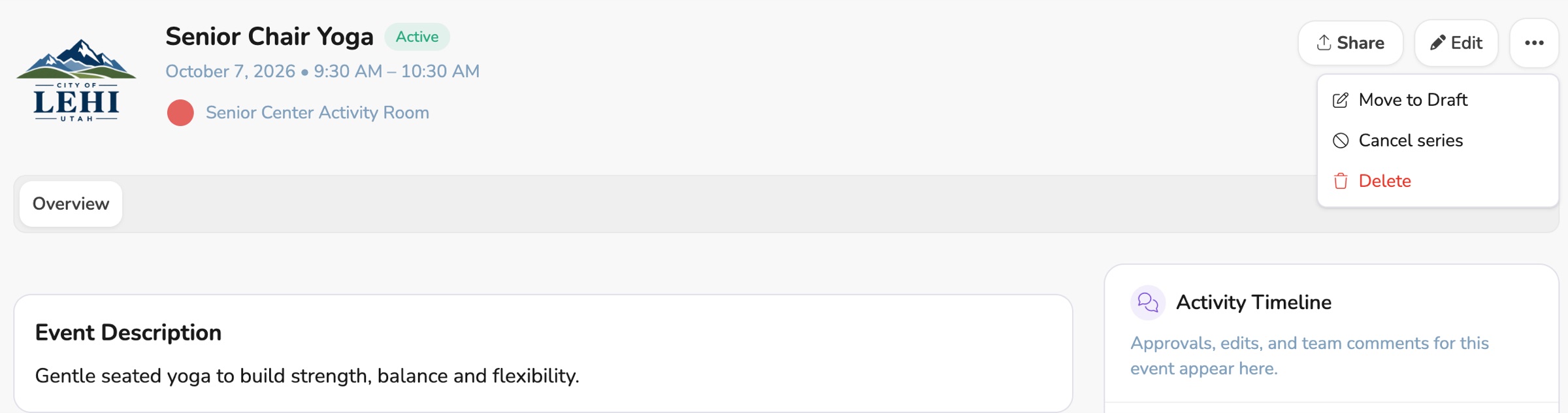
Update a live event without taking it down
Title, description, ticket, and RSVP edits stay live, and only a new time or room needs approval.