Recurring Event Series
Use the Series Creator to schedule repeating events in one pass.
Transcript
0:00 This tutorial guides you through creating and scheduling a series of
0:03 events using the Vega Events dashboard. You will learn how to set event details,
0:09 select times and spaces, and finalize your event series. Click create to begin
0:14 setting up a new event series in the Vega Events dashboard. Click series to
0:19 navigate to the event series creation area within the dashboard. Click enter
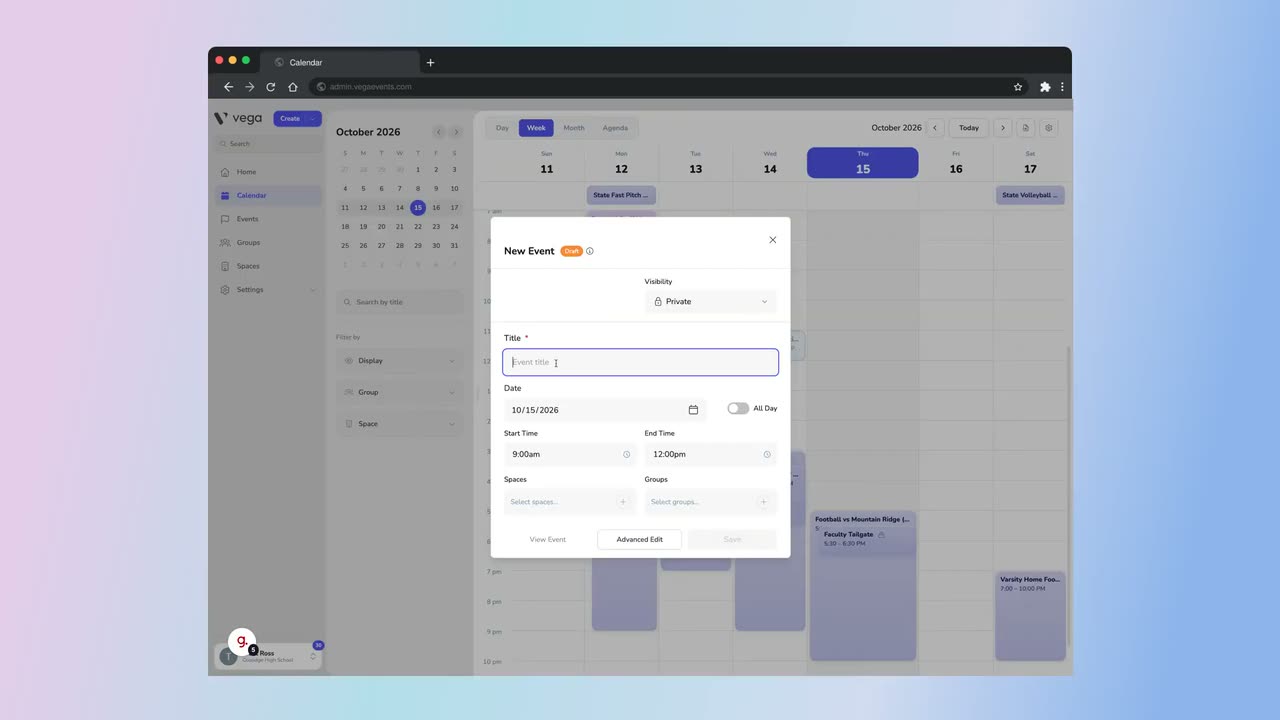
0:24 event title to specify the name of your event series. Fill soccer game as the
0:29 title to identify your event series clearly.
0:33 Select the starting time for your event. Select the end time. Click select spaces
0:39 to choose the locations where your events will take place. Select the
0:44 appropriate space for the event. Click the visibility options to configure who
0:48 can see your event series, choosing between private and public settings.
0:53 Click weekly to schedule your event series to repeat every week.
0:57 Select the date. Click add to selected dates to include your chosen dates in
1:03 the event series schedule. Click create 13 events to complete the setup and
1:08 generate all events in the series. You have successfully created and scheduled
1:13 a series of events in the Vega Events dashboard by setting titles, times,
1:18 spaces, visibility, recurrence, and dates. You can now manage or edit your
1:23 event series as needed to keep your schedule organized.
Auto-generated from the video's captions, so it may contain small errors.