Payment Settings
Vega Payment Settings before going live: currency, fees, taxes, refund behavior, and org-wide rules for paid tickets.
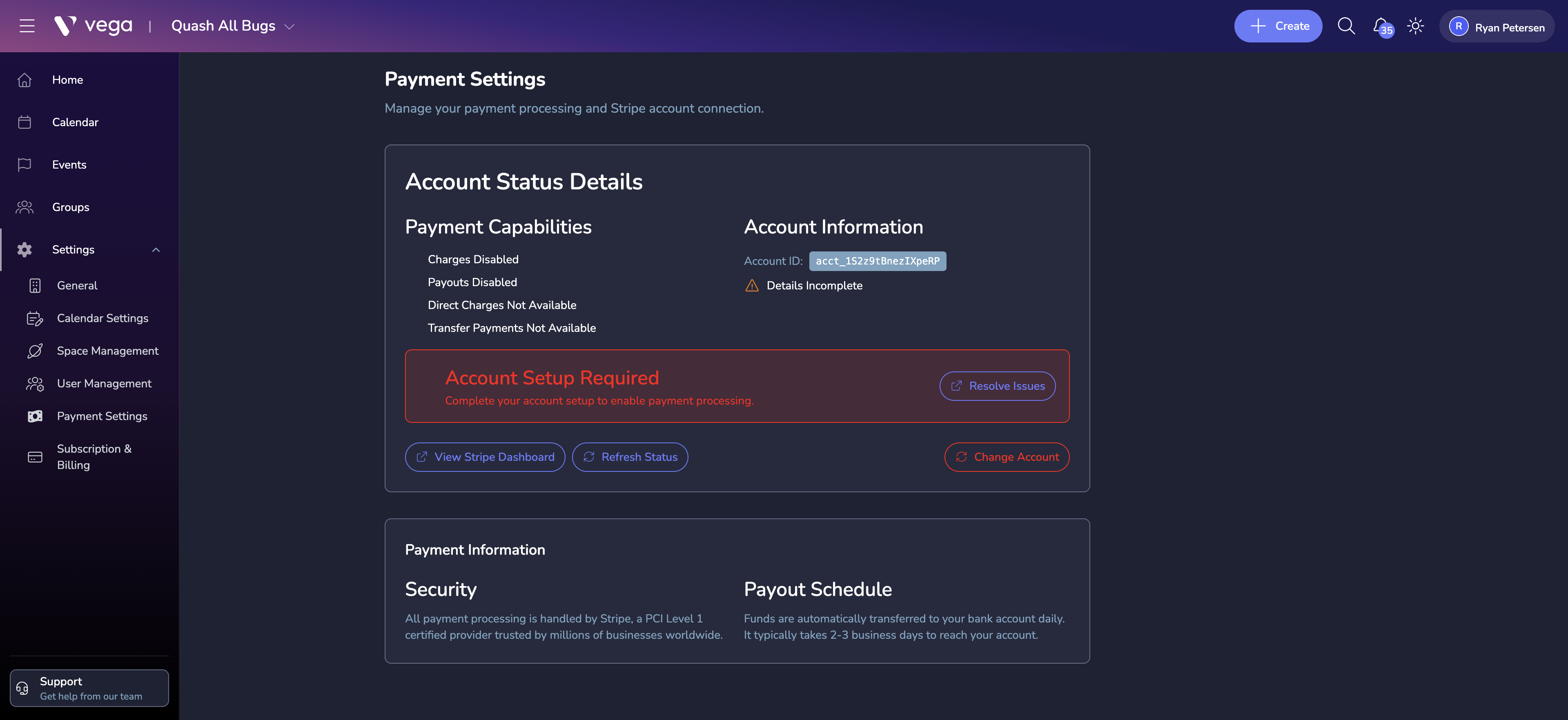
Payment Settings control how transactions are handled across your Vega organization. Configure these options before your first paid event goes live.
Accessing Payment Settings
Navigate to Settings > Payment in the admin sidebar.
Key Settings
Currency
Select the default currency for your organization. All ticket prices and payouts will use this currency unless overridden at the event level.
Fee Handling
Choose who absorbs the processing fees:
- Pass fees to attendees – the buyer pays the base ticket price plus a service fee at checkout
- Absorb fees – your organization covers the processing fees and the buyer pays only the listed ticket price
Refund Policy
Define your default refund policy:
- Full refunds allowed up to a configurable number of days before the event
- Partial refunds with an admin-defined percentage
- No refunds – all sales are final
Each event can override the organization-level refund policy if needed.
Tax Settings
If applicable, configure tax collection:
- Enable or disable tax
- Set the tax rate or integrate with an automatic tax calculation service
- Specify how tax is displayed (inclusive vs. exclusive)
Payout Schedule
Payouts are managed through Stripe. By default, Stripe sends payouts on a rolling basis (typically 2 business days after a transaction). You can adjust your payout schedule in the Stripe dashboard.
Tips
- Clearly display your fee structure and refund policy on event pages to set attendee expectations.
- If you absorb fees, factor the processing cost into your ticket prices.
- Review your payment settings before each major event to ensure everything is configured correctly.