Event Calendar
Use Vega's organizer calendar to see upcoming events, switch views, spot conflicts, and manage your schedule without opening every event individually.
Watch these walkthroughs
All videos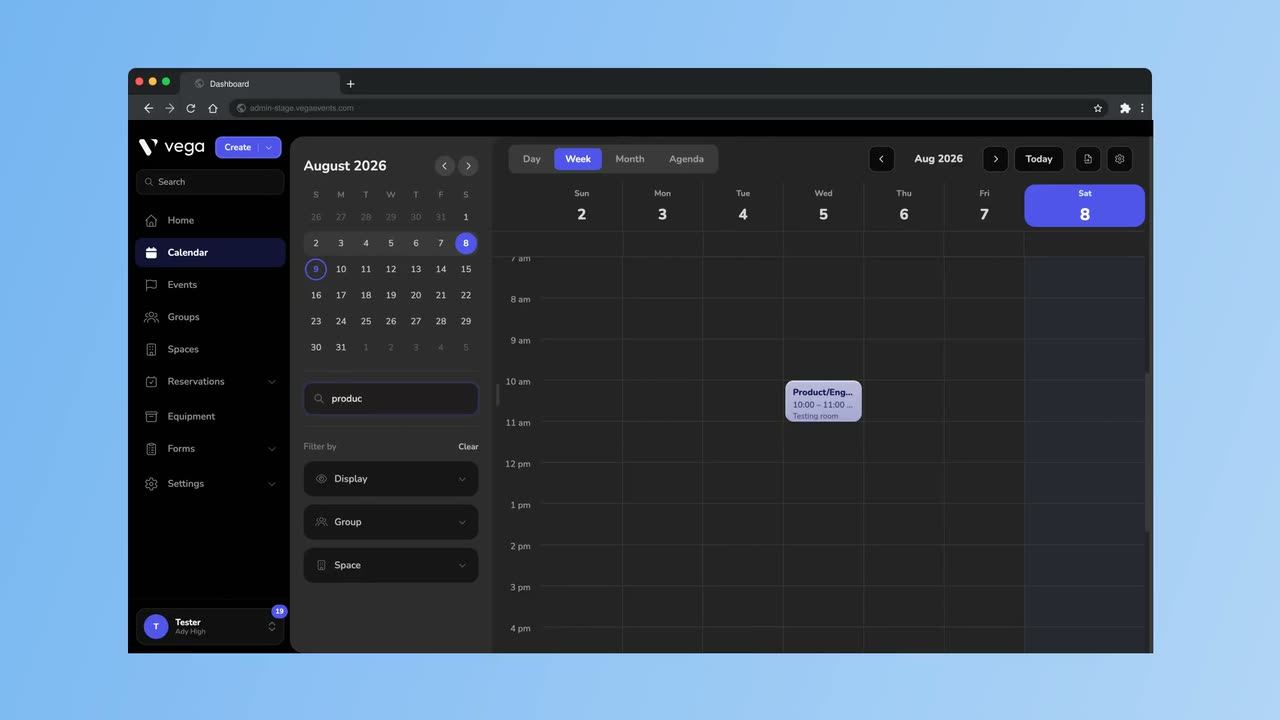
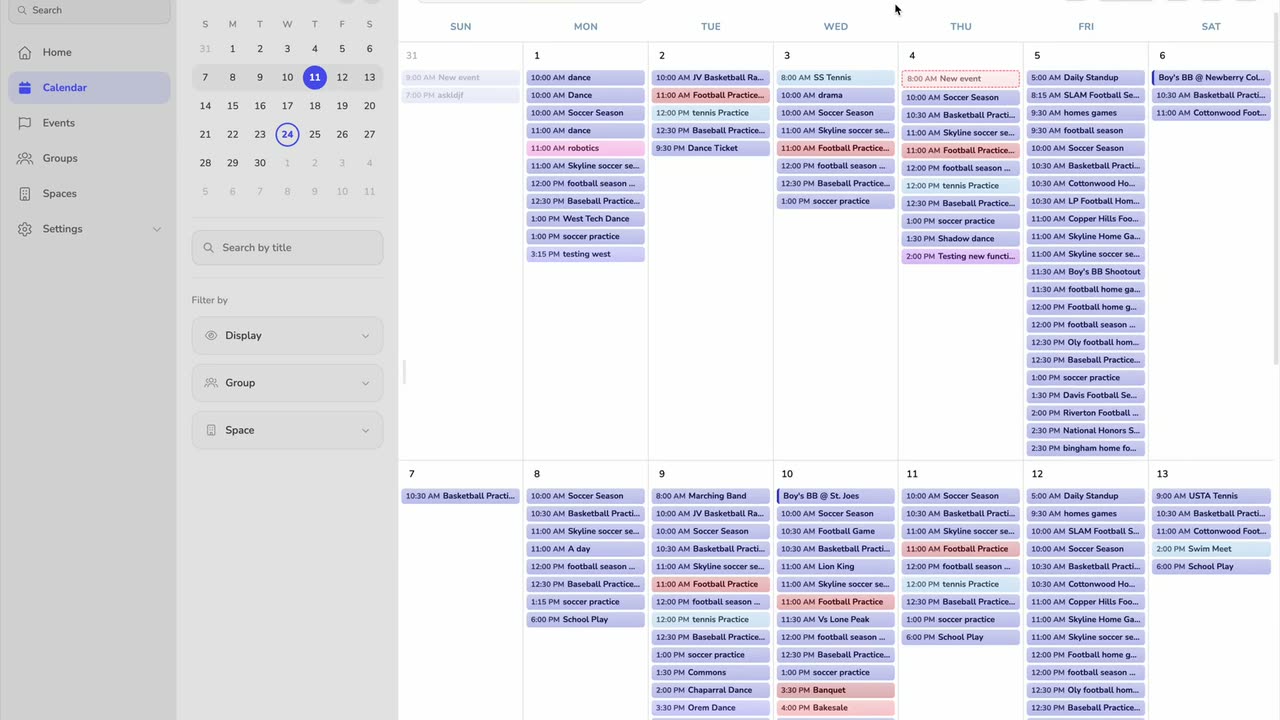
The Event Calendar provides a visual overview of all your organization’s events in a familiar calendar layout. It helps administrators plan ahead and avoid scheduling conflicts.
Accessing the Calendar
- Open the Calendar section from the admin sidebar.
- You’ll see a weekly view of all your events by default.
Calendar Features
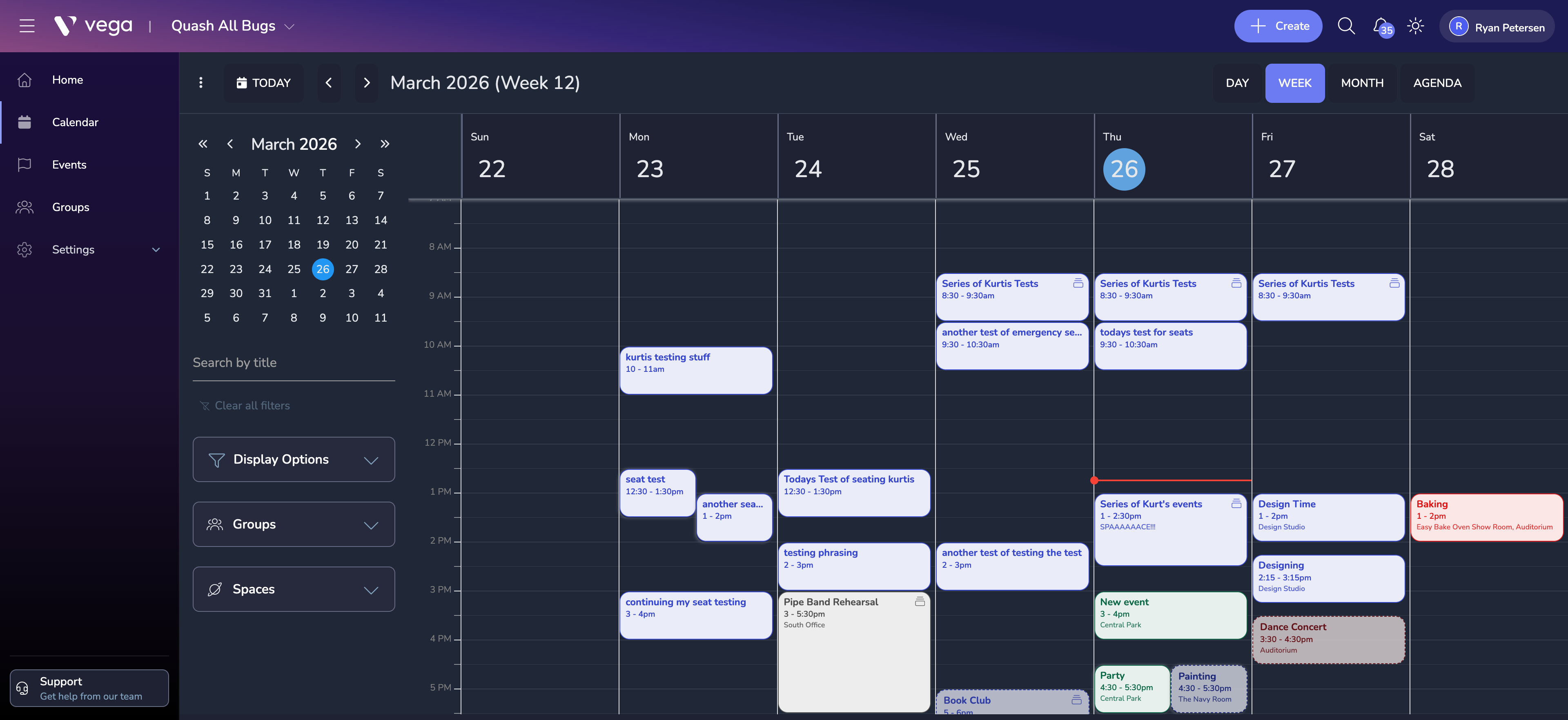
Multiple View Modes
- Month view – see the big picture across an entire month
- Week view – plan at a more granular level
- Day view – focus on a single day’s schedule
- Agenda view – a list-style view that doubles as a printable version
Color Coding
- Events are color-coded by space, making it easy to see at a glance which venue or room each event is in.
- Draft events appear with a dotted line border to distinguish them from published events.
Quick Actions
- Click any date to start creating a new event on that day.
- Click an existing event to open a quick-view popover with key details.
- Drag and drop events to reschedule them (draft events only).
Sharing Your Calendar
You can embed your public event calendar on an external website or share a direct link:
- Go to Calendar Settings in the admin panel.
- Copy the embed code or shareable URL.
- Only published events are visible on the public calendar.
Tips
- Use filters to show events by category, venue, or ticket status.
- The calendar respects your organization’s timezone setting – make sure it is configured correctly under Settings > General.