Organization Settings
Vega organization settings: timezone, contact email, branding defaults, and org info—avoid wrong event times and mixed-up attendee support contacts.
Organization Settings define the global defaults that apply across all of your events, groups, and community pages. Configuring these correctly ensures a consistent experience for your team and your attendees.
Accessing Organization Settings
Click your organization name in the top-left corner of the admin dashboard, then select Settings.
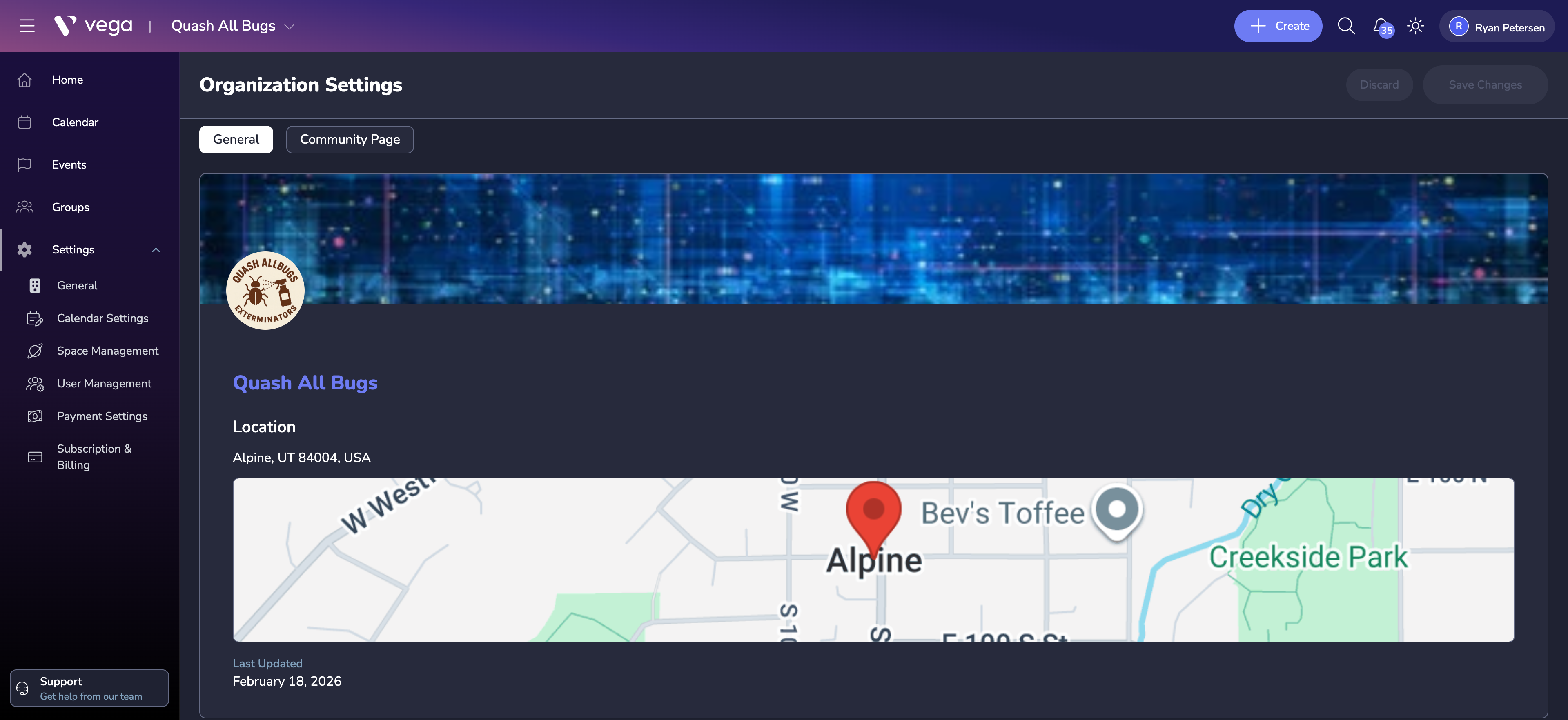
General Information
- Organization name – your official organization name
- Contact email – the email address displayed to attendees for support inquiries
- Phone number – optional contact phone number
- Website – link to your organization’s primary website
Timezone
Set your organization’s default timezone. This timezone is used for:
- Event start and end times (unless overridden per event)
- Sales start and end dates for tickets
- Reporting and analytics timestamps
⚠️ Warning
Changing the timezone after events have been created can cause confusion. Set this early and avoid changing it unless absolutely necessary.
Default Event Settings
Pre-configure defaults that apply when creating new events:
- Default venue – pre-select a frequently used space
- Default refund policy – set the baseline refund terms
- Default ticket settings – such as fee handling and transfer policies
Notifications
Control which email notifications organization admins receive:
- New ticket purchases
- Daily sales summaries
- Low inventory alerts
- Refund and transfer activity
Tips
- Complete all organization settings before creating your first event.
- Use the contact email to route attendee inquiries to the right team.
- Review notification preferences to avoid inbox overload as your event volume grows.