Organization Onboarding
First-time Vega organization setup: logo, contact info, staff, roles, and community page basics for schools, teams, and event organizers.
When you first create an organization on Vega, you’ll be guided through a setup wizard to get everything configured.
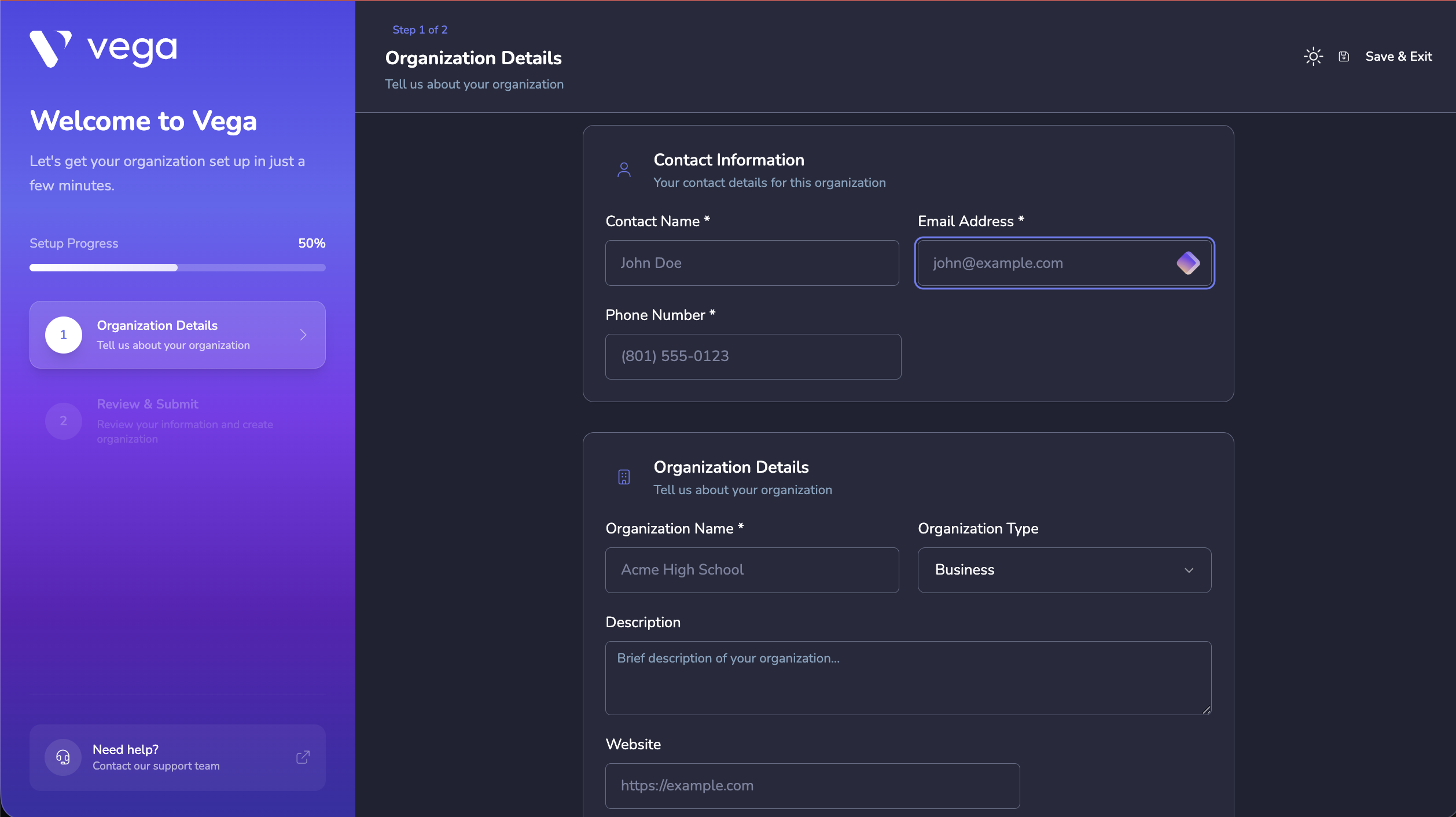
Onboarding Steps
1. Organization Details
- Name — Your organization’s display name
- Logo — Upload your organization’s logo (shown in the admin dashboard and on your community page)
- Wallpaper — A banner image for your organization
- Location — Your primary address (used for event defaults)
2. Tell Us About Your Org
- Description of your organization
- Year founded
- Staff count and student count (for school organizations)
3. Resources & Calendar
- Configure your event calendar preferences
- Add venue spaces where your events will take place
- Create groups for teams, clubs, or departments
4. Staff & Roles (Optional)
- Create custom roles with specific permissions
- Invite team members via email
- Assign roles to invited staff
ℹ️ Info
All of these settings can be changed later. The onboarding wizard just gets you started with the essentials.