Vega Help Center
Vega help center for event organizers and attendees: ticketing, Stripe payments, community pages, venues, staff roles, and troubleshooting—find answers fast.
 New to Vega? Start here
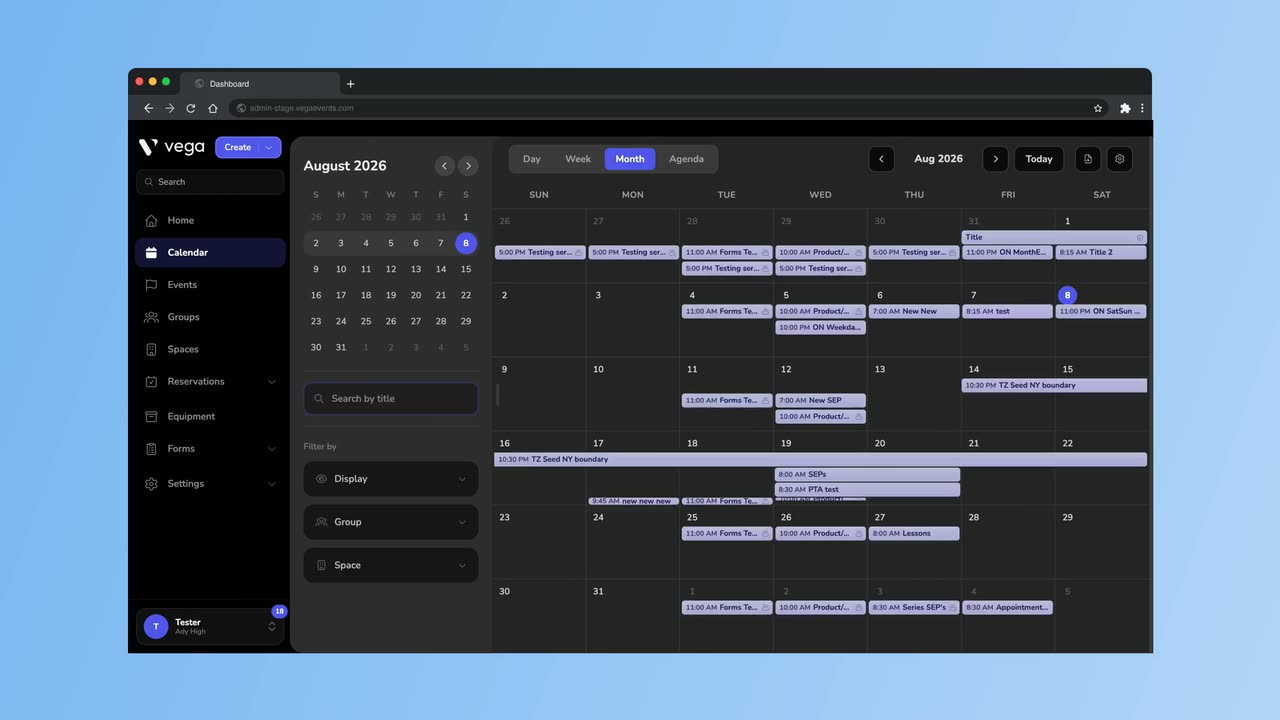
Guided Tour of Vega
Walk the whole admin app: calendar views and filters, editing and publishing an event, tickets, groups, spaces, and user roles.
3:23
Set up your organization, sell tickets, and run events from Vega Admin.
Events & Calendar
Create, manage, and schedule events with a powerful calendar view. Set up recurring event series and manage approvals.
Ticketing & Payments
Configure ticket types, pricing, access codes, and season passes, and accept payments through Stripe. Transfer tickets between attendees.
Shop
Sell spirit wear and concessions online and at the gate. Set up shops and products, take orders for pickup, and handle refunds.
Teams & Permissions
Invite staff, assign custom roles with granular permissions, and manage your entire organization from one dashboard.
Venues & Seat Mapping
Set up venue spaces with interactive seat maps. Assign spaces to events and manage capacity.
Community Pages
Create a branded public page for your organization where attendees can discover and browse your events.
FAQ & Troubleshooting
Quick answers to common questions about accounts, payments, tickets, and more.
All topics
Jump to any area of the help center — organizer tools, attendee guides, and account setup.